• image

    Searching the App store for interesting photo apps I came across ‘Pro HDR Camera’. Unlike a lot of mobile apps, Pro HDR does actually capture three seperate exposures to form a genuine HDR image.

    Although I must confess I dont do much HDR at all, there is a lot of great photog’s out there who do, and if stuck without a suitable camera, this is a nice little app to have up your sleaves for the cost of a can of coke.

    Taking a short stroll through Smiths Bush, it delivered great results from what would normally have either more blown out, or underexposed images – especially on a mobile phone, which tend to have low dynamic ranges.

    At home none if the images I shot appealed to post up. Whilst great testers for the app, image content wise they didnt much speak to me. So – I clipped in my macro lens and visited the back lawn. I have not seen much macro HDR, so the daisy is my casual snap at it.

    Im tempted to go back to Afterfocus again tomorrow. Its been my top vote so far. I did also play with Instagram today, but the prompting to share or where to share put me off it straight away im afraid.

    Catch you tomorrow!

  • image

    I tried out another photo app called Pudding Camera today. A fun, free app, Pudding Camera offers the user a wide selection of cameras (e.g. Basic, Snap, Panorama, motion, etc.), and a wide range of ‘film types’ aka filters.

    The camera selections apparantly come with different focal lengths, but this appears to simply be the crop factor (clearly it cant adjust the cameras built in focal length). I loved how it has ev compensation, which works fairly well. I would like to see future releases have a touch to focus rather than just centre focus, and a macro option would be nice also. That being said, its free!

    Its all shot live, not with post processing options, also strangely no live view of the filters considering this.

    The light was pretty magic this evening as I headed out to test my repaired car and Pudding Camera. Everything seemed colour saturated! I shot this image using the ‘standard camera’ and brown tint filter.

    Tomorrow I will either try a second shot using it, or try a different app.

  • image

    Day two with the afterfocus app, I thought it would be useful to show the limited depth use for portrature – that being one of the more often used depths of field in some peoples photography.

    As discussed yesterday, unless one is shooting in macro, mobiles and small sensor cameras have a wide depgh of field due simply to the sensor and lens combination not really making shallow wide open shots possible.

    In todays self portrait, from my hand to the wall in the background, all was in focus more or less. Using Afterfocus I selected my hand as the in focus, my body and head as midfocus, and the rest as background. Then, using Afterfocus’ other functions I added a vintage filter and vignette.

    I will look to try out another app tomorrow, but Afterfocus is a keeper for my mobile phone photography!

  • image

    As I mentioned yesterday, I have decided to concentrate on mobile phone photography (and the wordpress mobile app)over the next week, and experiment with photo editing apps out there for android.
    Last night I installed Afterfocus. Reading the writeup and comments on the android store, some say it brings dslr quality to your mobile phone. Whilst that was a big statement, it does have a number off good reviews, so i gave it a go.
    For those of us who use both, you will know the biggest limiter (well one) on small sensor cameras is their wide depth of field (this can also be a positive). Afterfocus allows one to digitially remaster the depth of field afterwards, giving that wide open feel of a dslr. I must say, I like it. As far as using a mobile only for a camera goes, it really opens up post processing creative options.
    Horse on the Hill was shot in my last visit to new plymouth. Using Afterfocus I ‘opened up’ the aperature, adjusted to black and white and added another colour filter. Im only viewing it on my galaxy s2, but for a quick edit I am quite happy with the result. I will likely try another edit using it again tomorrow.

    Please excuse any typos or non caps. Im in a bit of a rush and am not the fastest mobile keypad user!

  • image

    My main pc and editing software compter is connected up to our tv, and with a guest staying with us this week I have decided to concentrate on mobile phone photography – leaving the tv free for others!

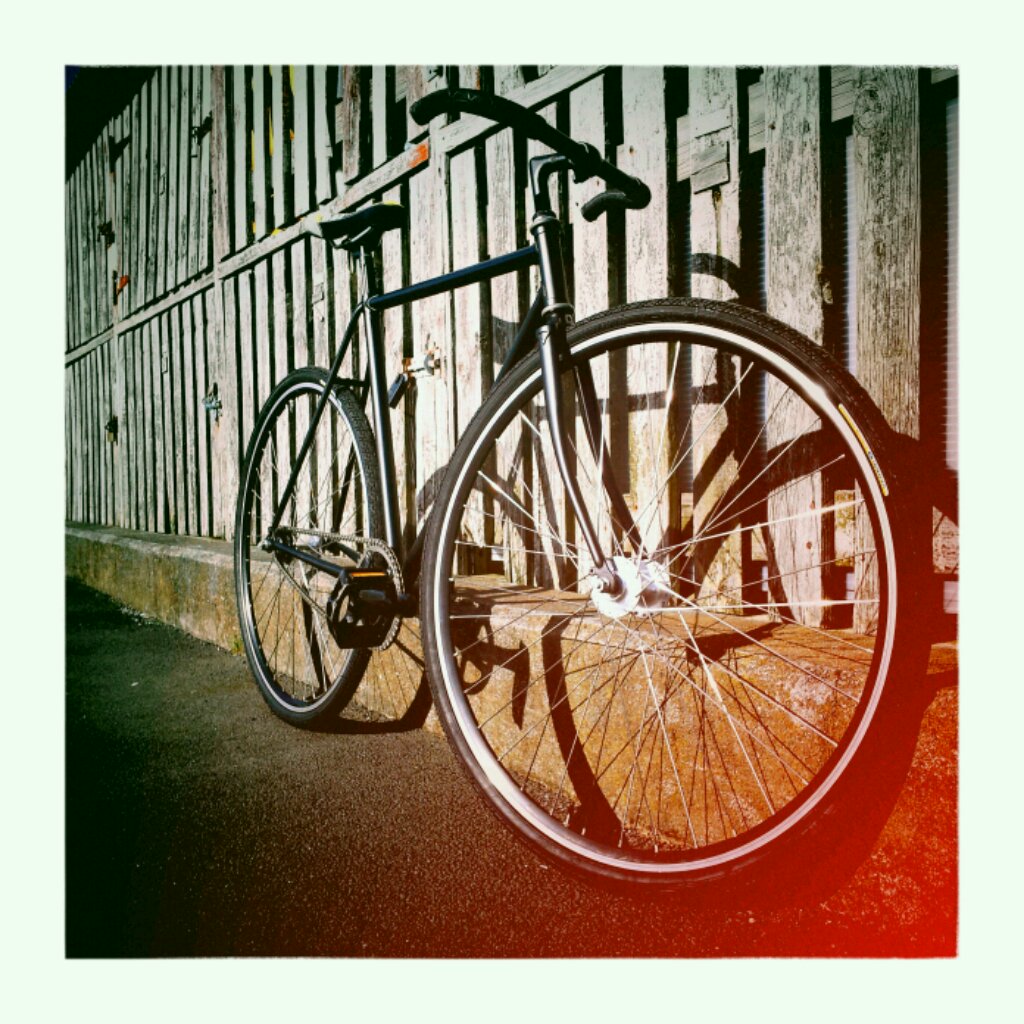
    I also recently finished a quick strip down, repaint and parts swap on my bike (just in time for my car to blow its radiator side tank…). Taking it for a bit of a test ride I headed down to Bayswater, cycling around the marina, and took todays shot.

    Although unedited, I used the vignette app set to diana style.

    I think what I will do some time this week is try out a few android photo editing apps and report how they go. For those who follow me, you will know I’m a dedicated Gimp user for post processing. Since its not on android at this stage I will have to see what works on a mobile level for me!